Set Up Webhooks
To ensure a smooth webhook integration experience, we offer the creation of TEST accounts. You can create a TEST account by clicking here: test.sourcehub.in. If you require any assistance, feel free to reach out to our technical support team at techsupport@sourcehub.in.
Account Setup
To setup your webhook in Test Mode Click Here.
To setup your webhook in Live Mode Click Here.
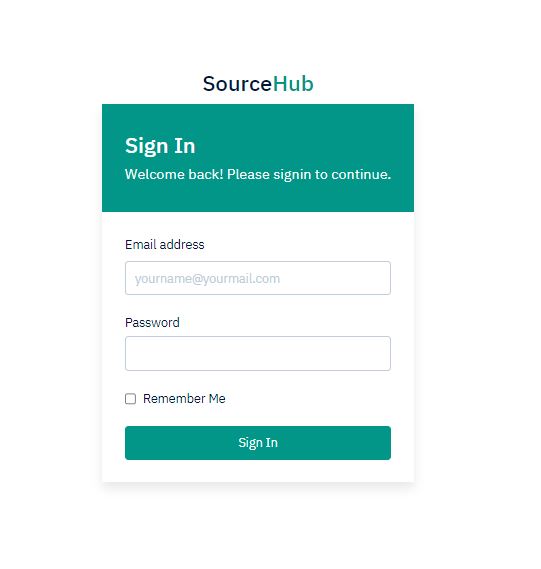
Log in to the dashboard with the appropriate credentials.
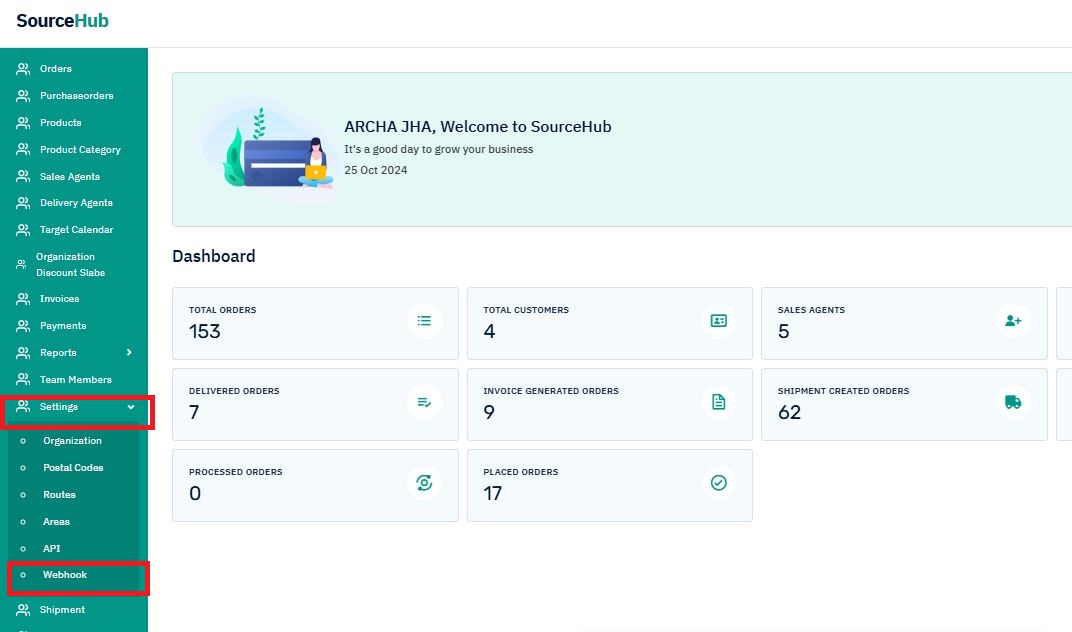
From the left-hand menu, click on "Settings" and then "Webhook."

To create a new webhook event, click the "ADD" button.
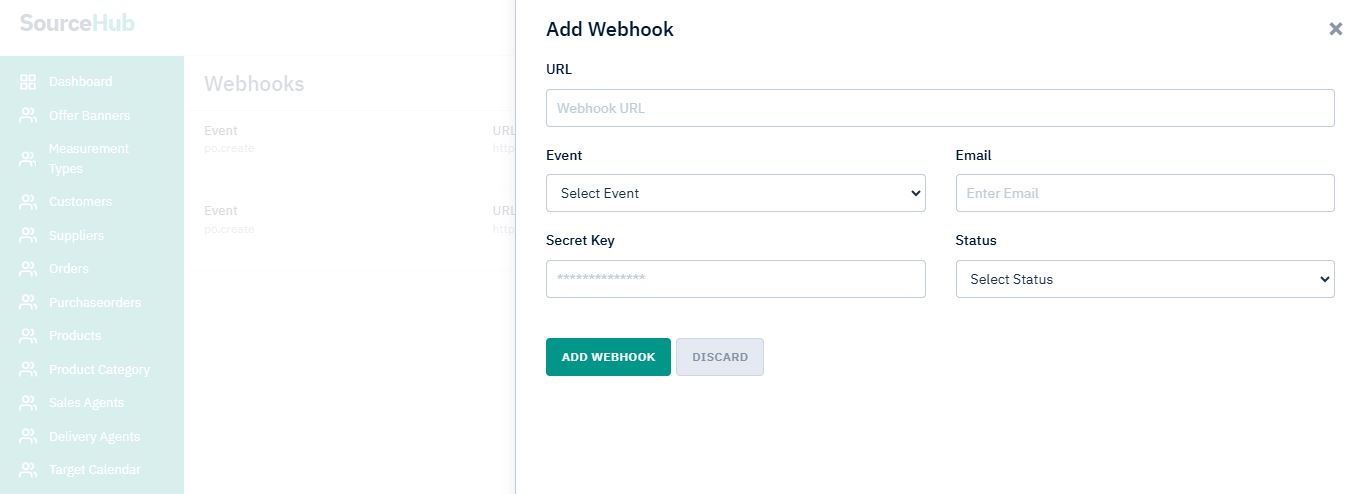
Please fill out the form
- Enter the URL where you want to receive the webhook payload when an event is triggered. We recommend using an HTTPS URL. Webhooks can only be delivered to public URLs. If you attempt to save a localhost endpoint as part of a webhook setup, you will notice an error.
- Select the required event from the list.
- In the Alert Email field, enter the email address to which the notifications should be sent.
- Enter a Webhook Secret Key for the webhook endpoint. The secret is used to validate that the webhook is from Sourcehub. Do not expose the secret publicly.
- Select Status as Active to get the response from webhook. You are free to set the status as Inactive if you don’t want to receive response from webhook.
- Click Save After you set a webhook, it appears on the list of webhooks.
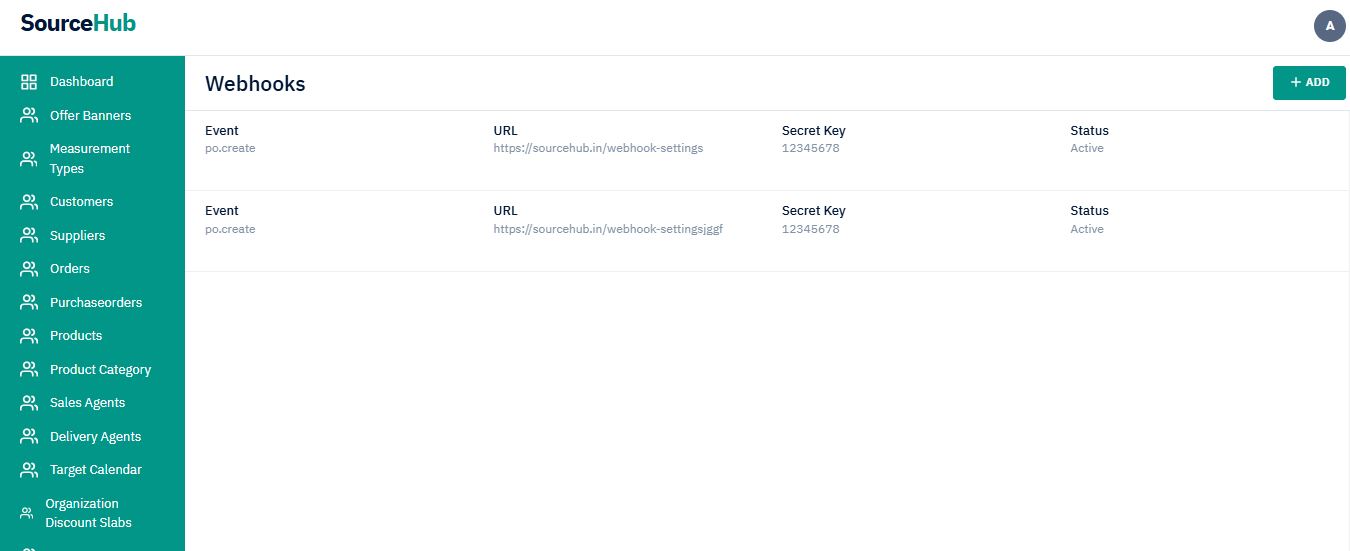
List of webhooks created by you.
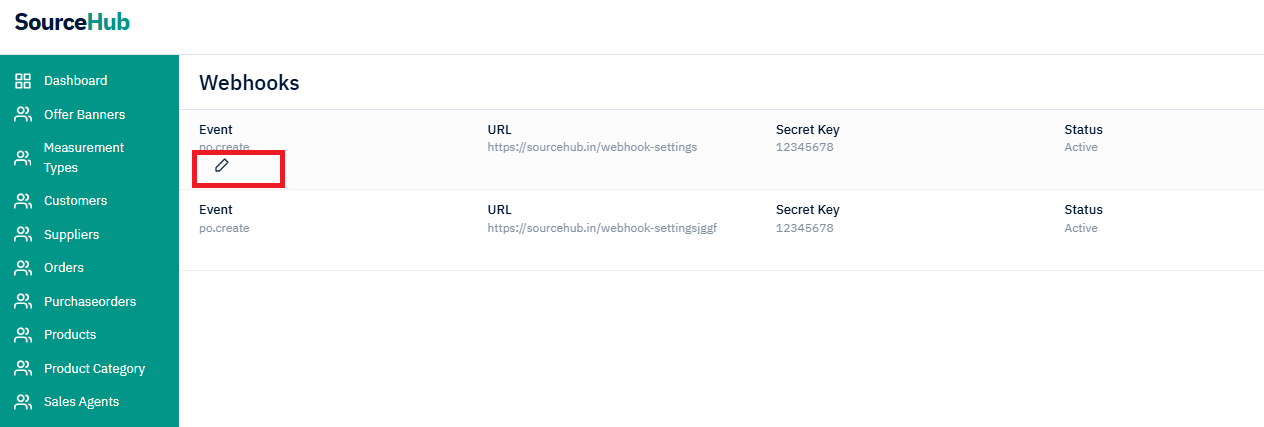
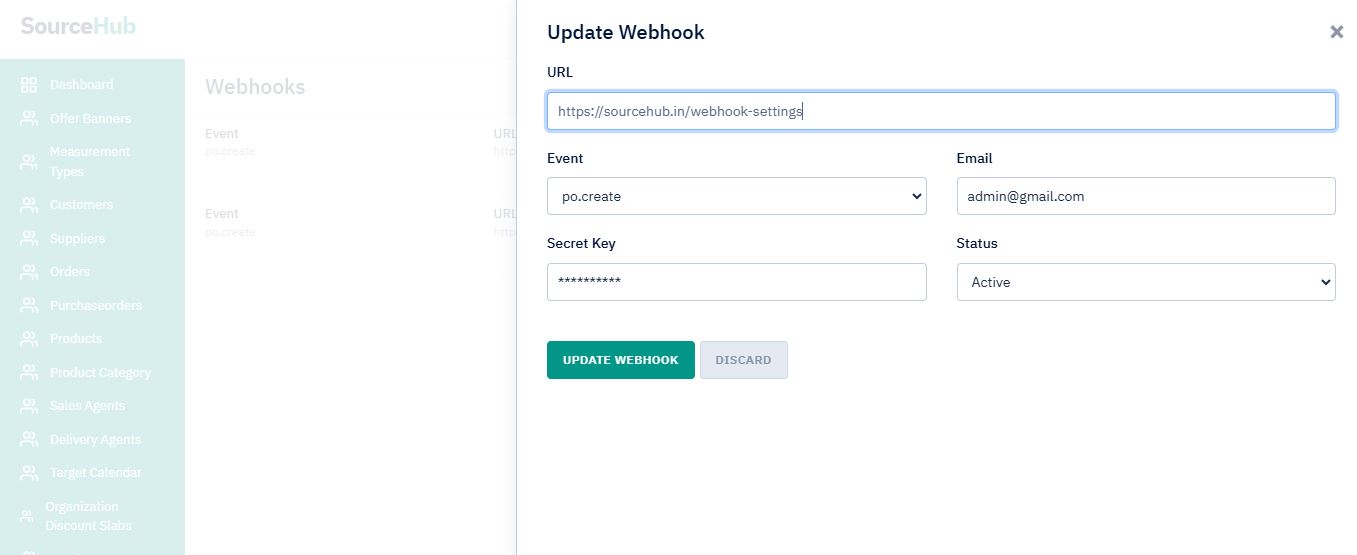
Hover your mouse over the "Event" column to reveal an icon. Click the icon to edit your webhook.