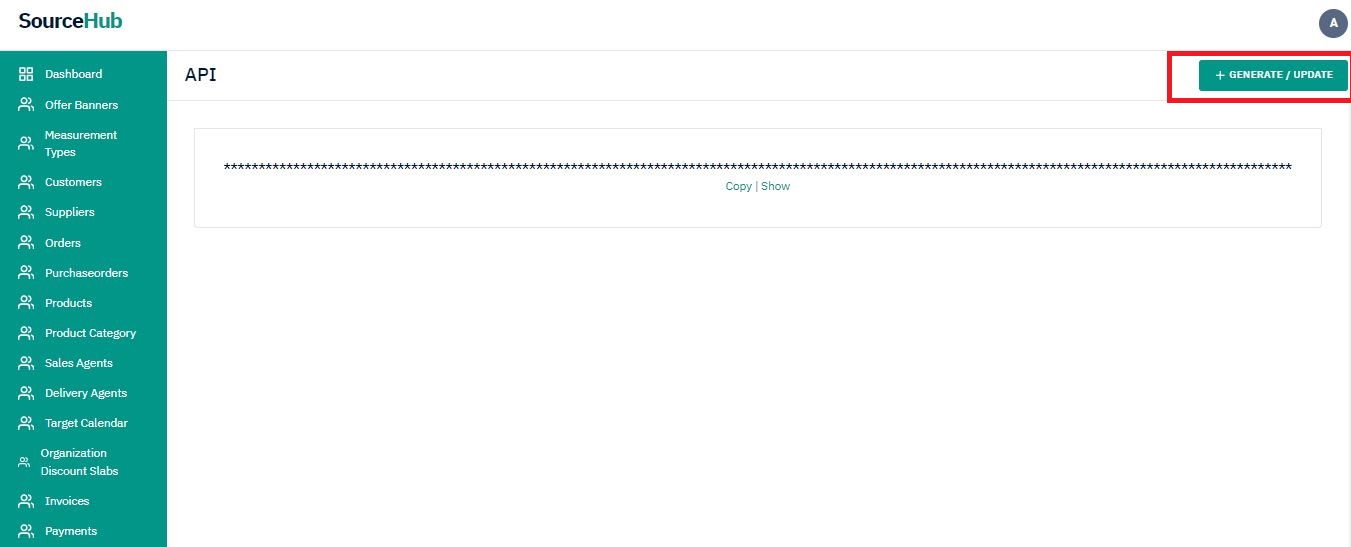
Account Setup & API Authentication
All Sourcehub APIs are authenticated using Bearer Token. To authenticate requests, include an Authorization header with the value Bearer {YOUR_AUTH_KEY}".
Account Setup
To get your API key in test mode Click Here.
To setup your API key in live mode Click Here.
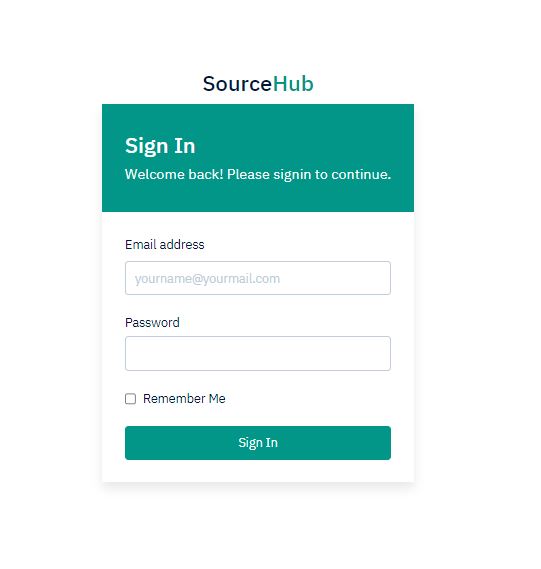
Log in to Dashboard with the appropriate credentials.
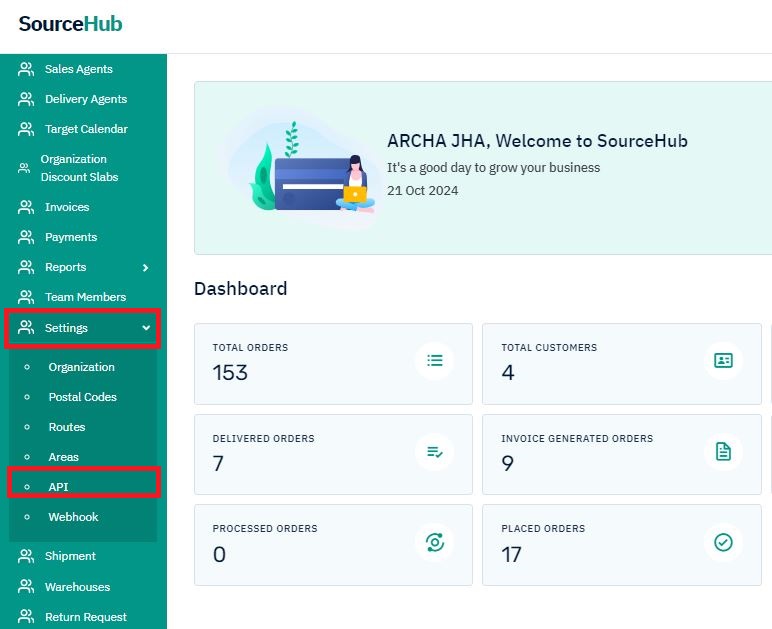
From left menu click on settings and then API.